
Manage multiple currencies
Updated Aug 26, 2020
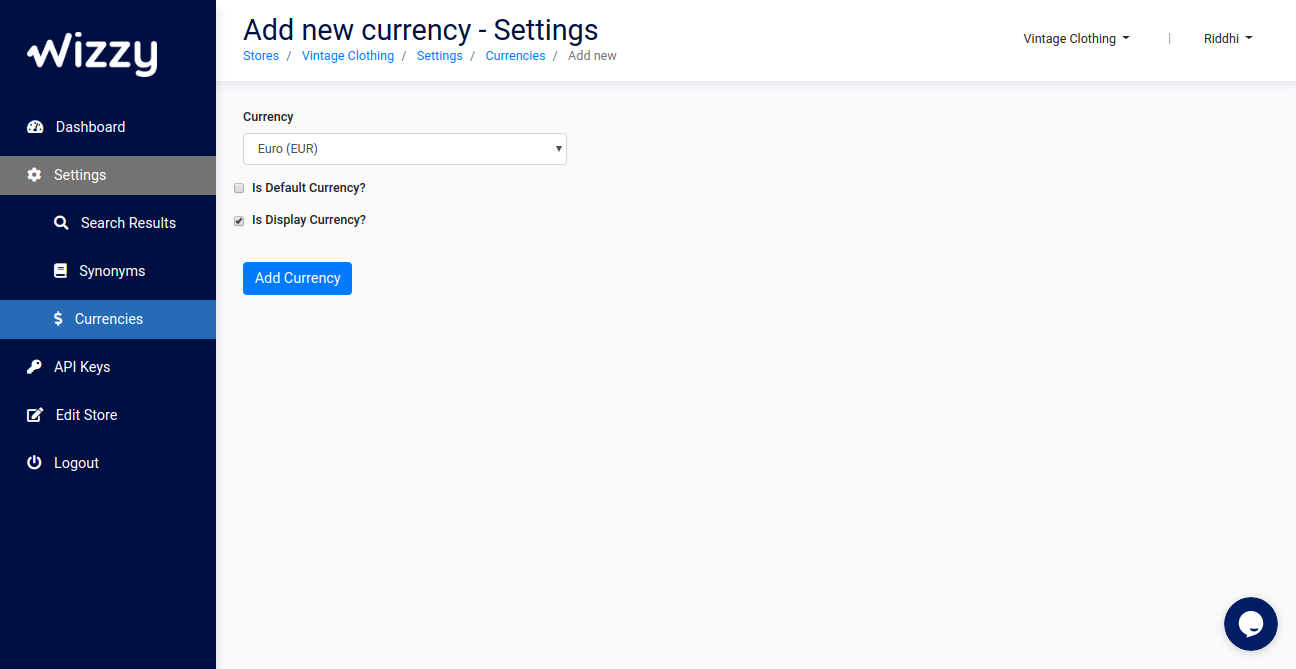
Visitors use keywords like below $100 or under €500 to filter products and get the exact products options within the price range for which the store is unable to show them appropriate results. Wizzy facilitates the Search with a price range providing various currency options. You can manage multiple Currencies in the following manner:1. On the Navigation bar, go to Settings > Currencies. 2. From the top Navigation drop down, select Store to which you want to add multiple currency options. 3. Press Add New button on top navigation. 4. Select a Currency from the drop down options. 5. Select Default Currency and Display Currency:
- Default- Prices in which you save the products in Wizzy are the Default Currency.
- Display- By default search returns the products in selected display currency if not explicitly provided in the API
6. Press Add Currency.
Currency, Currency rates, Default & Display currency are automatically managed for Magento 2 stores. No configuration required from this page.