
View/download past Invoices
Updated Aug 26, 2020
This is how you can check and download the Invoices:
1. Go to Dashboard. 2. Open the Profile name drop down from the top Navigation bar.
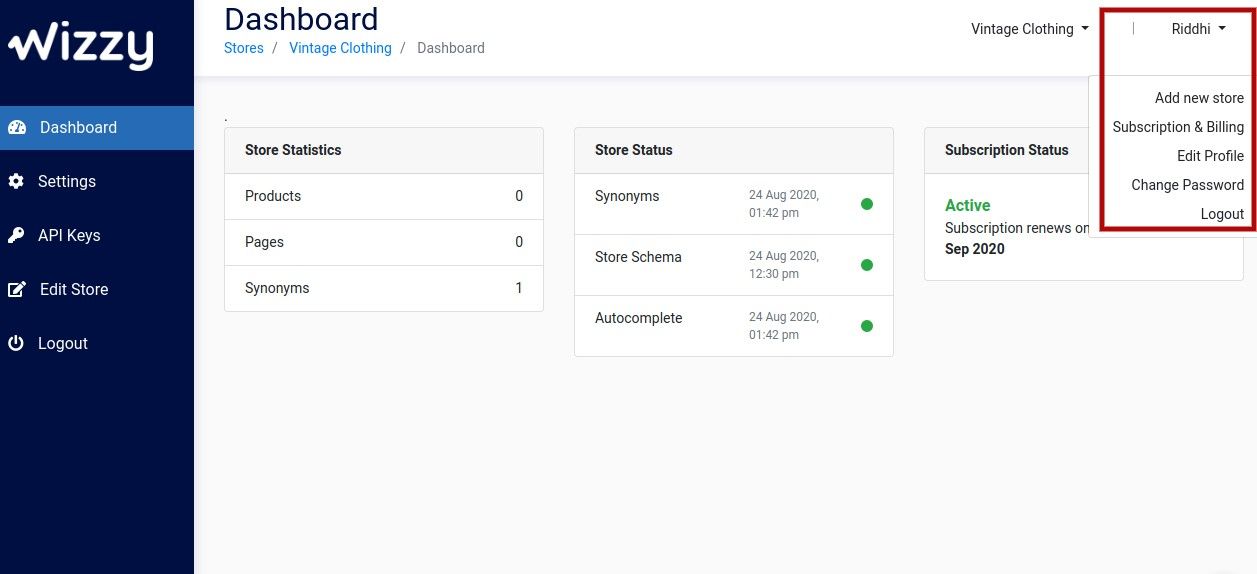
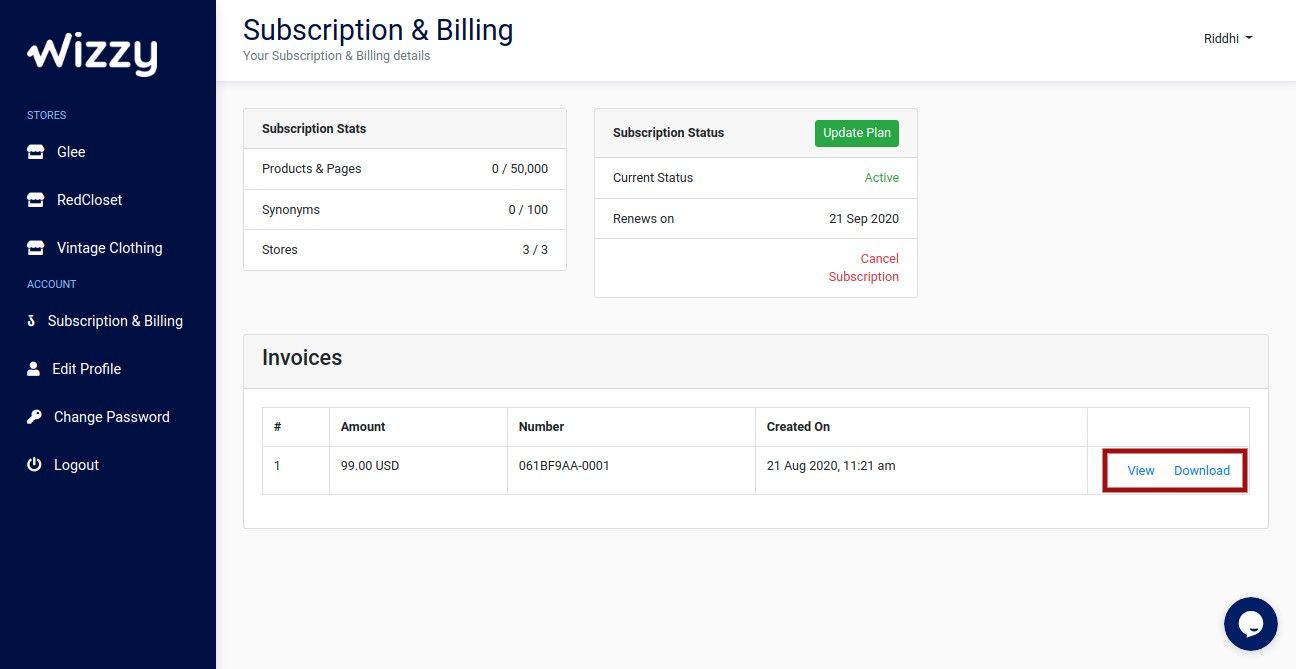
3. Select Subscription & Billing. 4. Press View to check the Invoice. There is also an option to Download the past Invoices.
If you have queries, please contact team@wizzy.ai.